
Remote CW
Finally, I am back to CW with RemoteCW
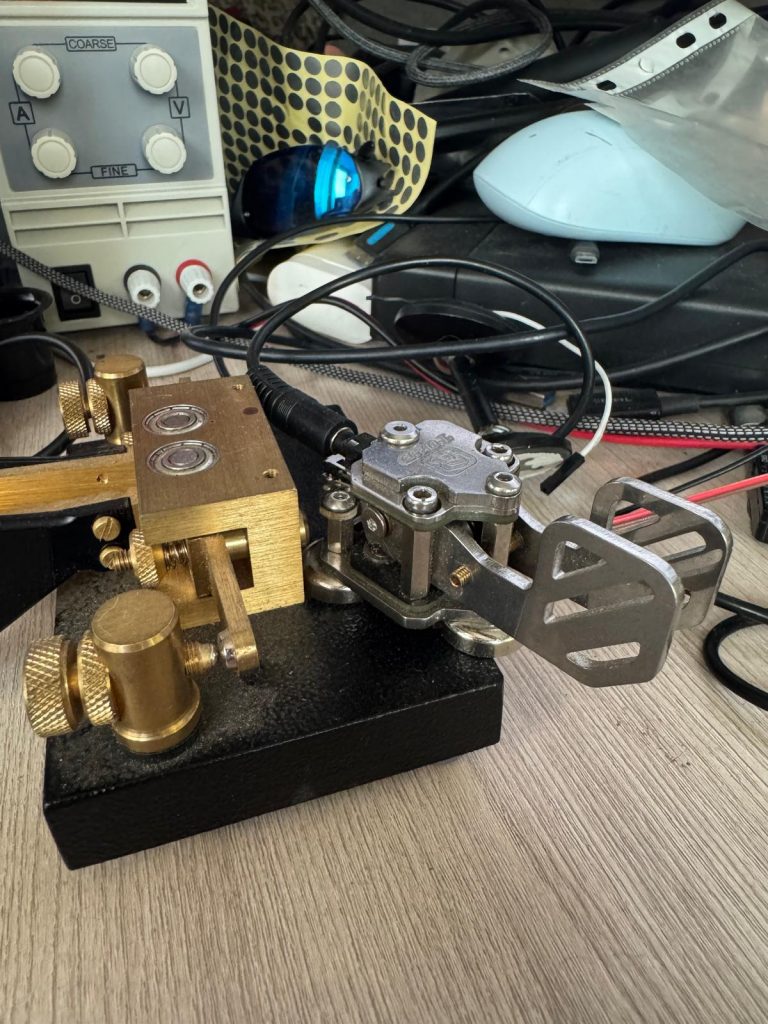
Given that I am nearly not present in CW, one might think I don’t like CW. I love CW! 🙂
Well, “didn’t know, didn’t know, didn’t, and forgot” is my experience with CW… but I love it and, even more, I respect it very much and anyone capable in it. As EME is a pinnacle of technical skills in ham radio, CW is a pinnacle of human skills in ham radio.
Thus, I am particularly happy to return to CW with RemoteCW – a pack for remote CW operations. That was critical for me, since I do 99% of my radio activity remotely from about 50 km from my shack.
RemoteCW
Setup:
- All code is written by Claude Code – I am not a programmer – I just gave commands to Claude. 2-3 days of work in between the main work and other tasks. A typical hobby activity
- Local Pi: a physical paddle key and a pedal (TX/RX) is connected to it. It could be and most likely be something simpler like ESP32 and connected to the local Windows PC over USB (virtual UART of USB), or Arduino, or even one of the Marvelmind boards. But Pi was on the desk, thus – why not. It is WiFi or Ethernet connected to the local IP network
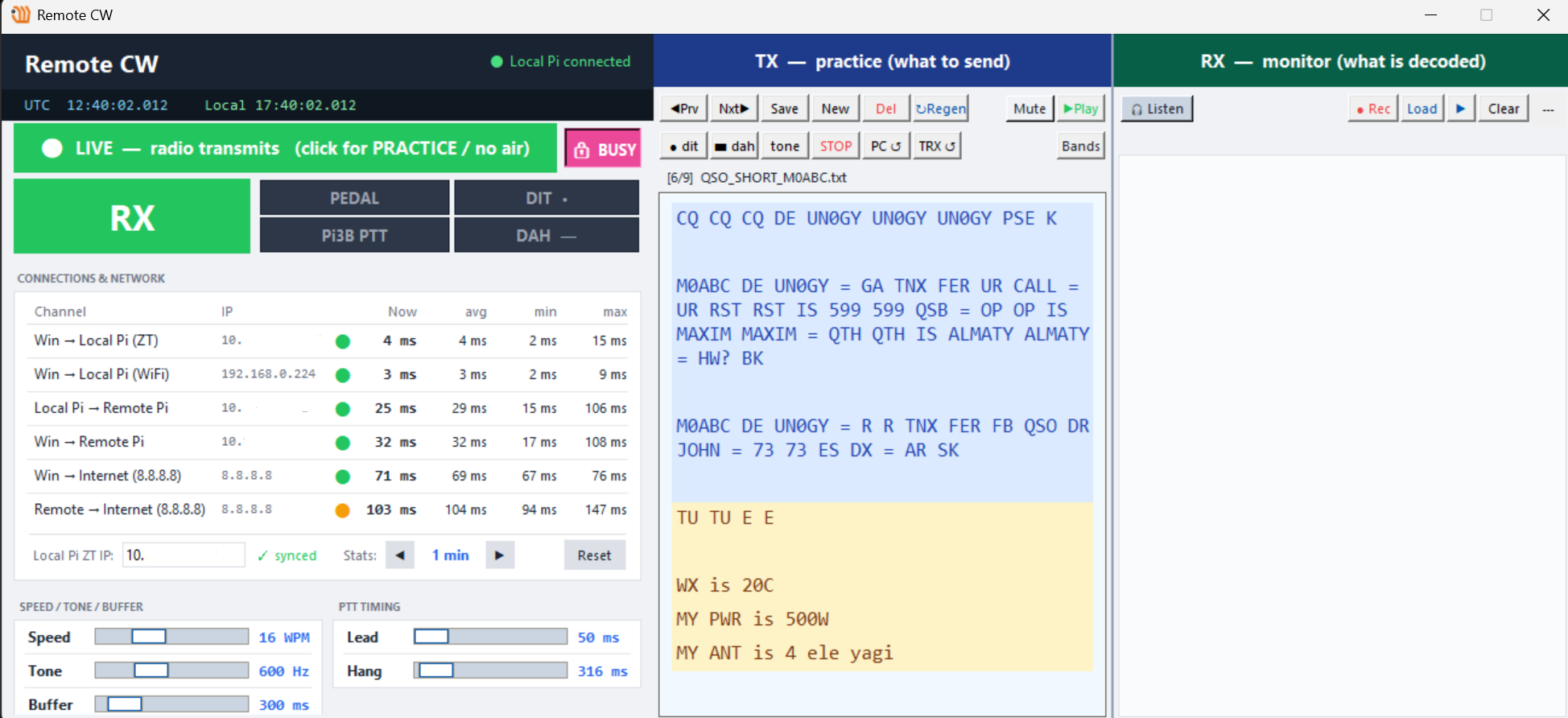
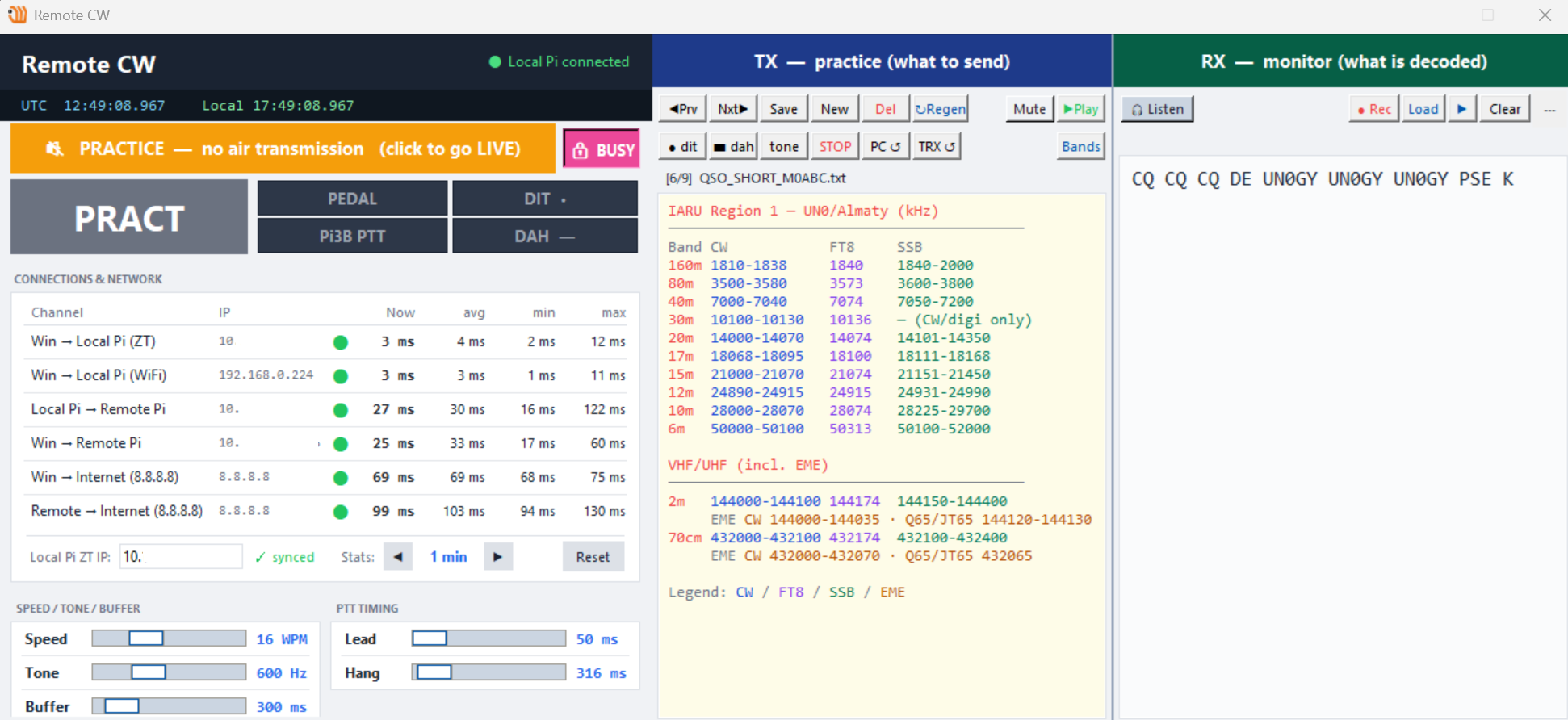
- Local Windows app on a laptop – see the picture above. It is a current view but I add new features based on the mood or whim in minutes. It defines settings (speed, tone, etc.), monitors latency between all system elements, monitors me, and even hints with typical QSO or even bands. It is too easy to forget the 12-meter starting SSB frequency … the top frequency in the 17-meter, for example. I am sure the app will be getting more features since it is my local CW hub of some sort. Everything CW-related will be in one place
- Remote PI: it controls the remote Icom 7300. It sets TX/RX of Icom based on the local pedal’s state or pressing the local paddle key; it pings google to analyze the remote LTE network; it responds to the pings from the local Windows app and the Local Pi.
Other hints and comments:
- Local CW key is a classical paddle key for automatic keying. However, remotely, Icom 7300 is set and receives signal from the Remote Pi like it is operated by a human with a straight key. This helped to overcome a logical and technical problem of providing the acoustic feedback to me about the speed of the automatic key of Icom 7300. With the latency of LTE network, it would be very problematic. No need in it. No automatic key – no need for the feedback
- The Remote Pi handles the jitter of latency – intra-symbol and inter-symbol. I haven’t recorded the transmissions from the air or deeply analyzed the acoustic, but the code compensates the jitter very well. Thus, it must sounds OK. Still some recordings could help and it will be done later